Try it
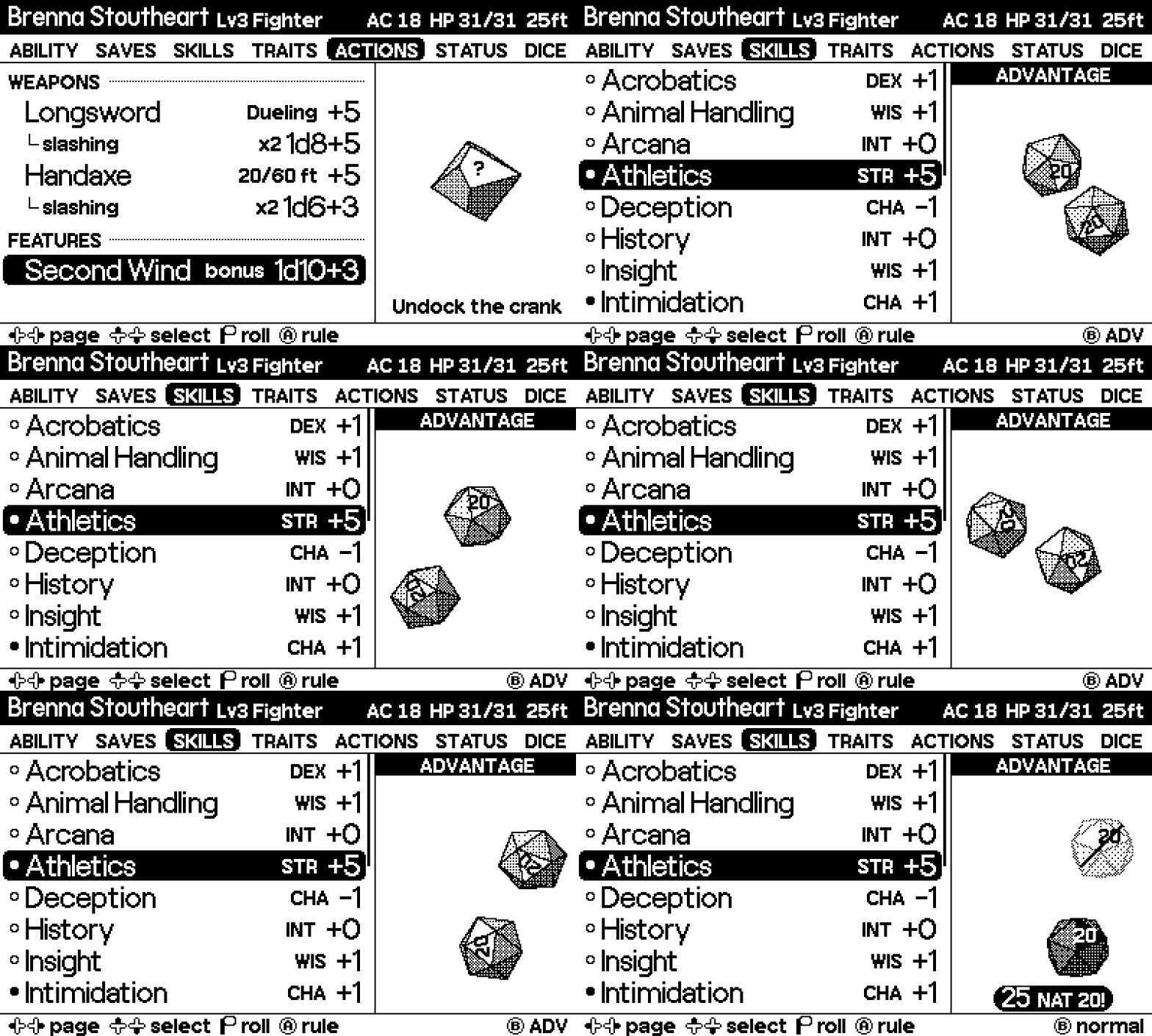
This is the real game, ported to your browser. Drag the crank in a circle (or scroll over the screen) to roll. Click the buttons or use the keys: ↑↓ pick a row, ←→ switch pages, X is Ⓐ (read the row's rule, or −1 on a counter), Z is Ⓑ (advantage, or critical on damage), [] (or arrows on the focused crank) turn the crank and Esc is Menu.
Want every control and rule? Read the full manual.
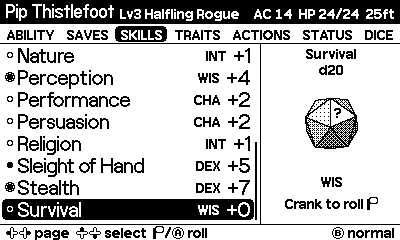
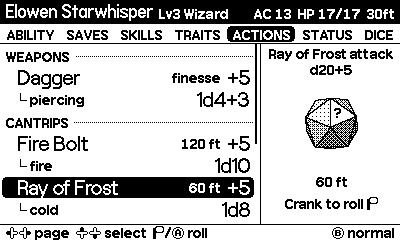
Everything at the table, on 400×240 pixels
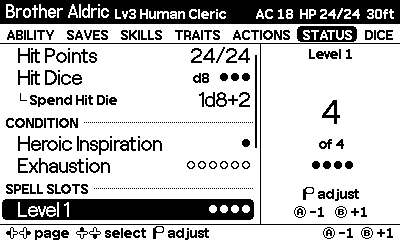
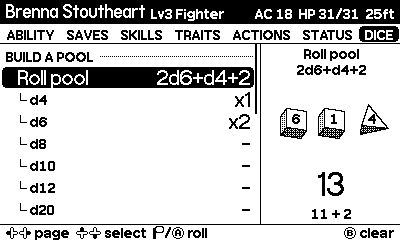
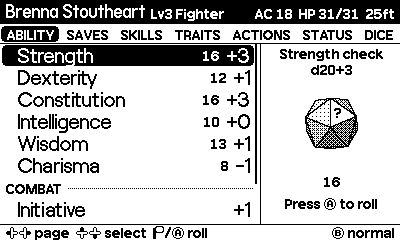
Rules at a pause
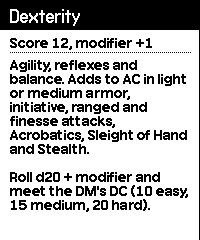
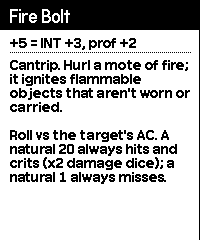
Press Menu and the left half of the pause screen explains the row you have selected: what it does and how its bonus adds up. Long text? Pick Read Rule to read it all, cranking to scroll.
Bring your own character
charsync is a small command-line tool for Mac, Windows and Linux. Download the binary for your system from the latest release. It turns a public D&D Beyond character into a Crit Crank hero and sends it to your Playdate over USB. Run ./charsync-macos on macOS, ./charsync-linux on Linux, or .\charsync-windows.exe in Windows PowerShell. On macOS and Linux, make it executable first; on macOS also clear the download quarantine:
chmod +x charsync-macos
xattr -d com.apple.quarantine charsync-macos
./charsync-macos import https://www.dndbeyond.com/characters/12345678
It converts ability scores, saves, skills, HP, AC, spell slots, weapons, damage and healing spells, and limited-use features. Spell and feature descriptions show up on the pause screen and in the Rules viewer too. See the charsync README.
Install
- Download crit-crank.pdx.zip.
- Sideload it at play.date/account/sideload, or unzip it and copy
critcrank.pdxinto theGamesfolder in USB disk mode. - Or build it yourself with the Playdate SDK:
cd charsheet && make run.